
Start with the path that matches your role. If you are an adviser, you will see how to create a farm, manage permissions and track agronomic prescriptions. If you are a farmer, how to access your farm, send information and review your farm logbook.
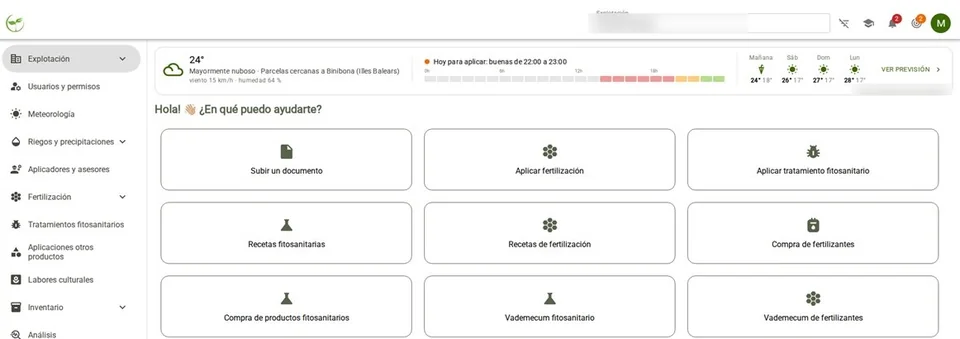
The videos explain the basic use of BrioAgro Farmlog: creating farms, importing data from the REA, attaching documents, recording activities, preparing plant protection and fertiliser prescriptions, exporting the farm logbook and using the WhatsApp channel. Each module shows what you need before you start, the steps to follow and how to check the result.
If you do not have a password to access the BrioAgro Farmlog training classroom, please contact Soraya García, who will provide you with access.
Getting started on video
Training content
- How an adviser creates a farm.
- How to enter a farm created by an adviser.
- Importing from the REA (Registro de Explotaciones Agrarias) (in Spanish).
- Adding documents. Registering parcels and crops from the SIGPAC. Certifications.
- Plant protection agronomic prescriptions. (in Spanish)
- Fertiliser agronomic prescriptions.
- Exporting the farm logbook in Word or PDF format.
- Using the WhatsApp channel between farmer and adviser.

